Changing your Password
- Find the profile icon in the top right of the screen.
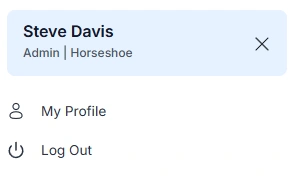
- Press the icon to show the profile menu
- This menu shows your name, user role and the organisation you belong to
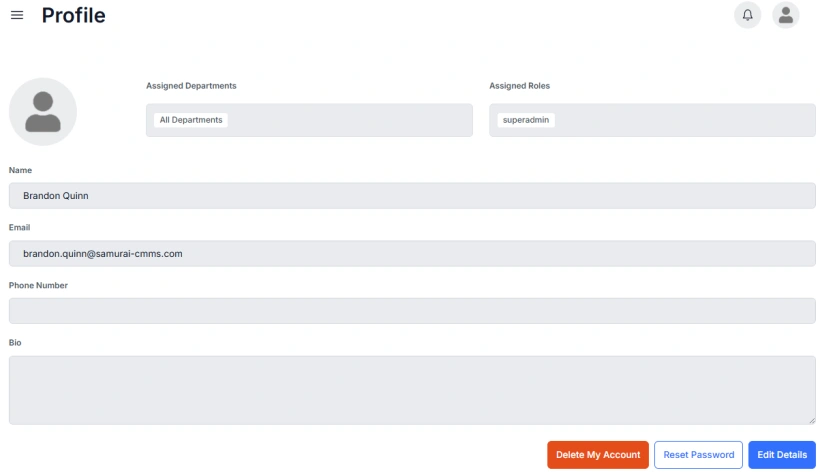
- Click My Profile to enter your profile
- Click the Edit Details in the bottom right of the form to edit your profile details
- Here you can reset your password and add a profile image, and change other profile information.