Printing Work Orders
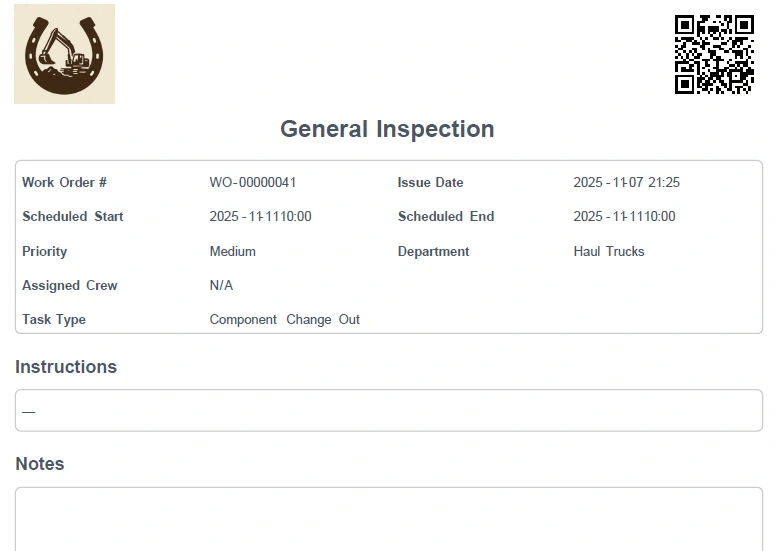
Work Orders can be exported as a PDF and printed.
- Go to Work Management → Work Orders
- Select the Work Order you want to print
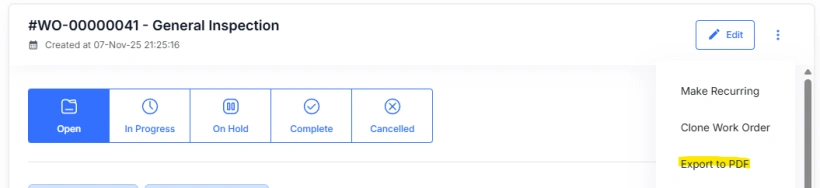
- Select Export to PDF from the drop down menu in the top right of the Work Order
PDF exports are saved to your local computer only.