
Log In to Samurai
To access Samurai on your PC, you’ll need to log in using your assigned username and password.
Login Desktop
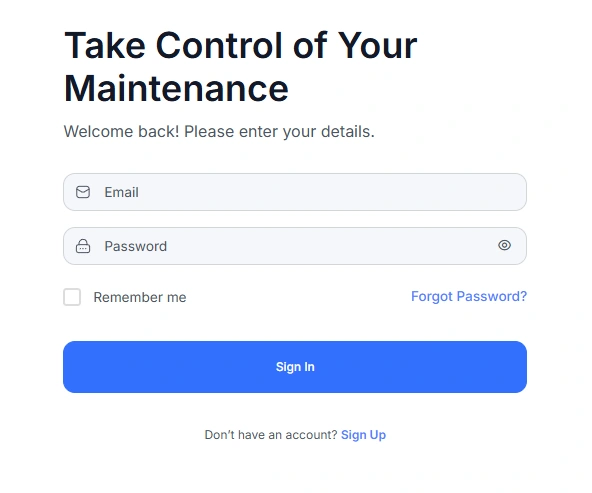
The sign in link is https://samurai-cmms.com.au/sign-in
Login Mobile App
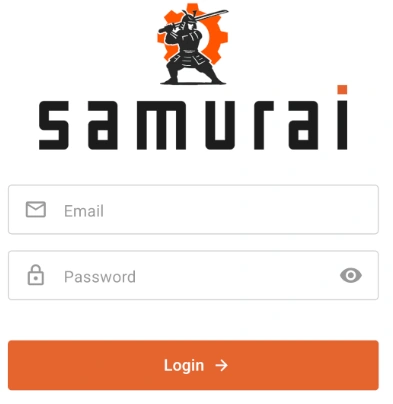
When the Mobile App is opened on iOS or Android, the user is presented with the Login screen.
User Accounts
Unless you are an administrator, you must be invited or issued a username and password before you can log in.
Your username is usually your work email address.
If you have not yet received your login details, please contact your Samurai administrator.
Sign In
Enter your Email and Password in the fields provided.
(Optional) Tick Remember me if you want Samurai to remember your login on this device.
Click Sign In to access your account.
If your credentials are correct, you will be taken to your Samurai dashboard.
Forgot Your Password
If you have forgotten your password, click the Forgot Password? link on the login page.
Enter your registered email address and follow the instructions in the email to reset your password.
New Users
If you do not yet have an account, click Sign Up or contact your system administrator to be invited.
Only administrators can create or invite new users to Samurai.
Sign Up
If you are part of an existing organisation that already uses Samurai, do not click the Sign up link. This is for creating a new organisation.