
Enabling Departments for Shift Log
Shift Logs are created per Department. Before a Department can be used in the Shift Log module, it must be enabled. Once enabled, it will be available for selection when creating a new Shift Log.
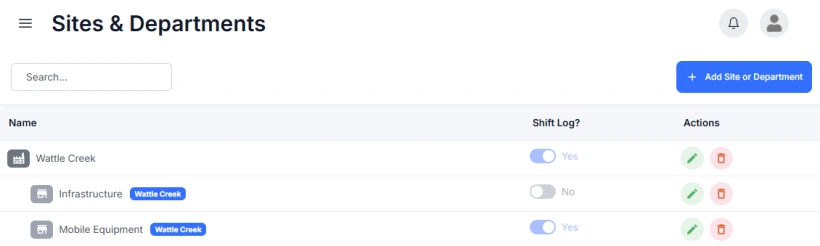
To make a Site or Department available in the Shift Log:
- Go to Sites, Departments and Teams → Sites & Departments
- Edit the Department you want to update
- Set the Available for Shift Log toggle to Yes
- Save the Department